Score, scorers, a note if needed: publish the result after the match. Parents and players get the full season history in their own space.
Already have an account? Log in
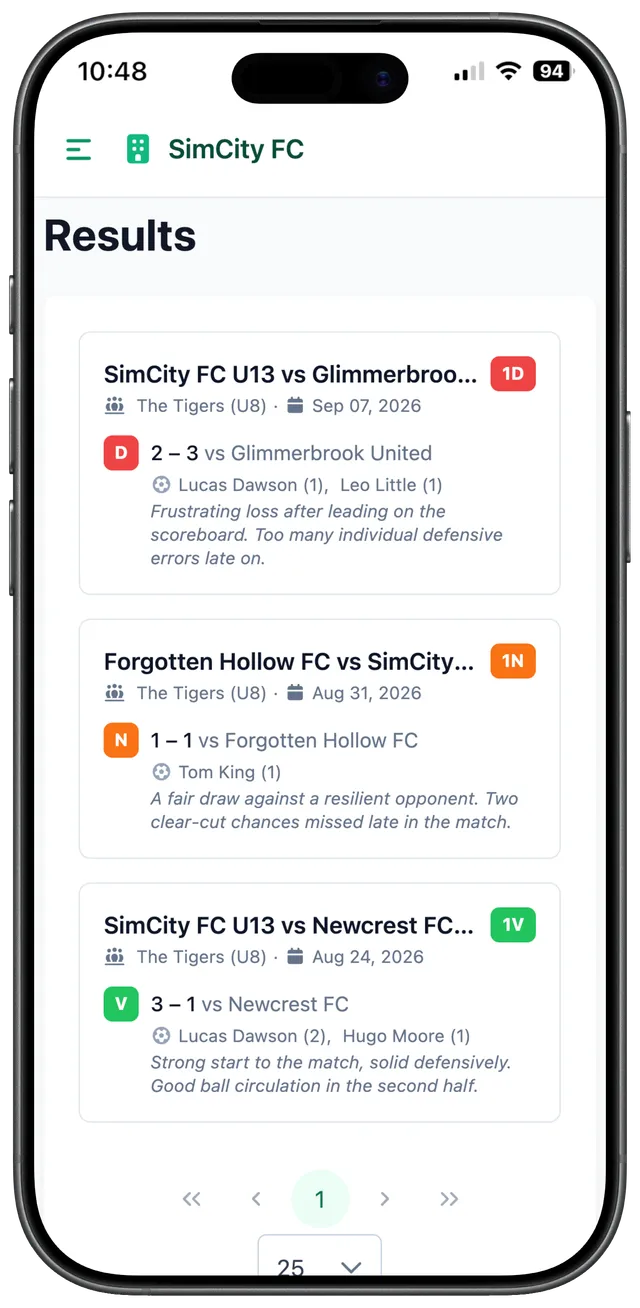
Once the match is played, the loop closes with the result. Three steps, and the season writes itself.
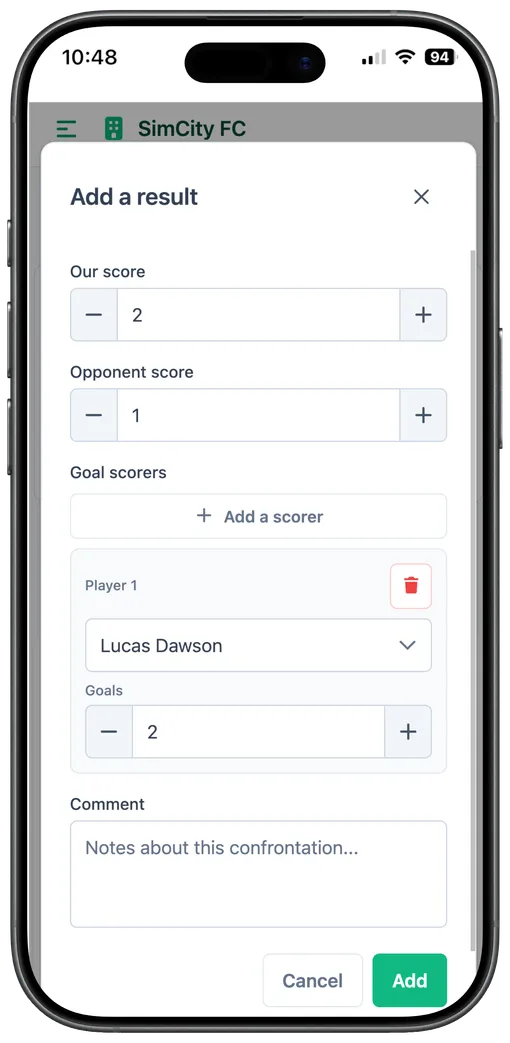
Score, opponent, scorers picked from the call-up list or entered freely, a note if needed.
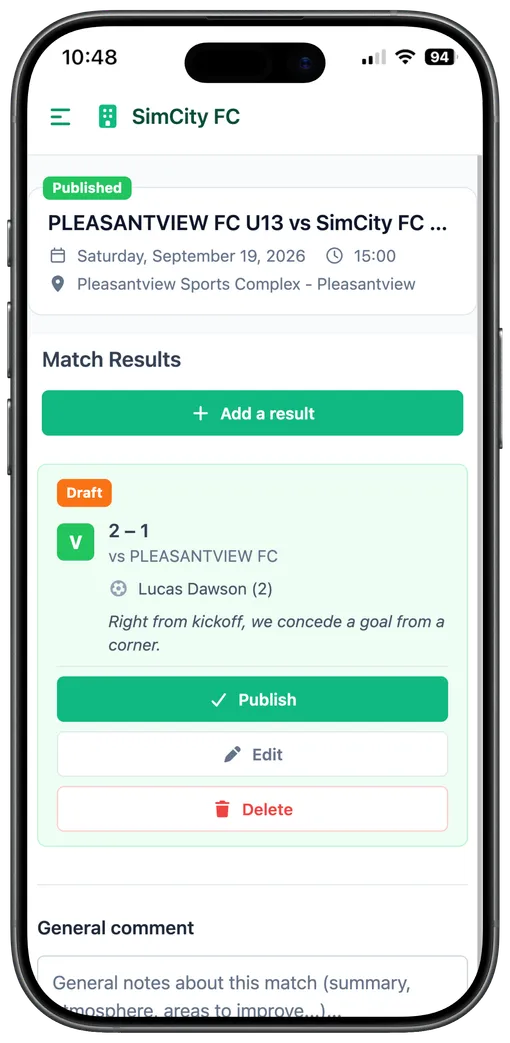
The result can stay in draft while you double-check it, then go live in one click.
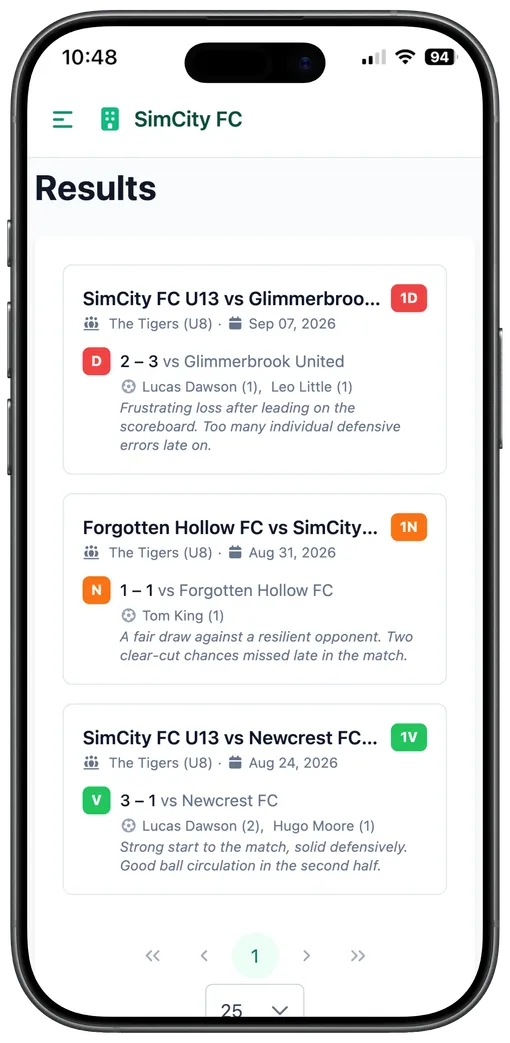
Every published match is added to the season history, viewable by parents from their own space.
A quick entry after each match, no spreadsheet to keep up to date on the side.
Every result of the season in one place, no need to ask the coach or dig through a group chat.
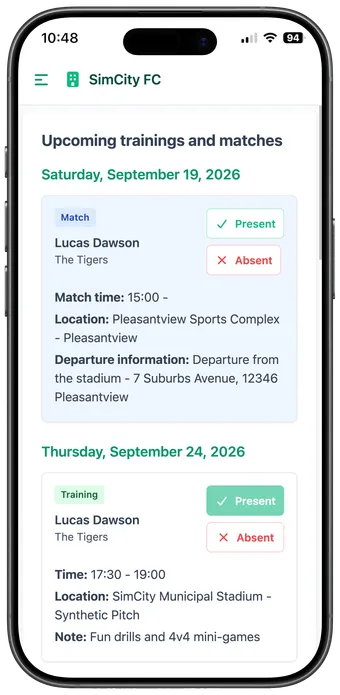
The season moves on, next up is the next match: on to call-ups.
See call-upsNo contract, instant access. Your team is set up in a few minutes.
Already have an account? Log in
